
A QR code on a promotional mug is intended to take its user to a chosen web page. A design that looks correct on screen does not establish that it will scan successfully on the selected mug and print application. Before committing to a bulk order, assess the destination, placement and, if available, a physical printed sample separately.
This guide explains checks for a proposed QR design. It is not a statement that Promosyon Bardak offers QR printing on a particular model, nor a guarantee of scanning in every condition. Feasibility must be confirmed for the specific product and production method.
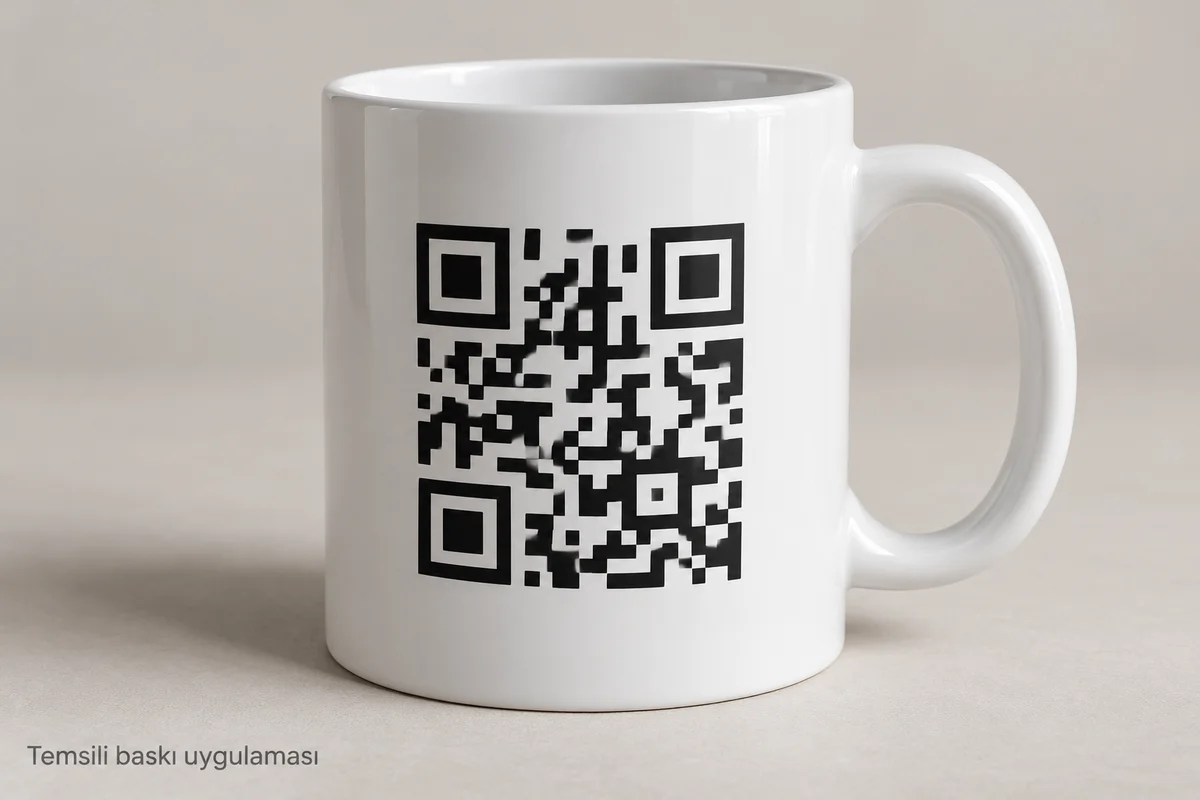
Choose and check the destination
Decide whether the code should open a catalogue, campaign page or contact page, and what users should do there. Open the address on a phone to check that the page works, belongs to the intended business and does not require an unintended login. Assign responsibility for keeping it available after distribution. Consider what happens when a campaign ends or a redirect service changes its terms.
Keep the surrounding area clear
DENSO WAVE’s QR code area guidance specifies a clear margin four modules wide on every side of a standard QR code. A module is one of its small squares. Keep logos, slogans, borders and other patterns outside that clear area.
This does not provide a universal printed width in millimetres for mugs. The code structure, module size and margins must be considered together. Do not treat the source’s printer calculation example as a mug production specification.
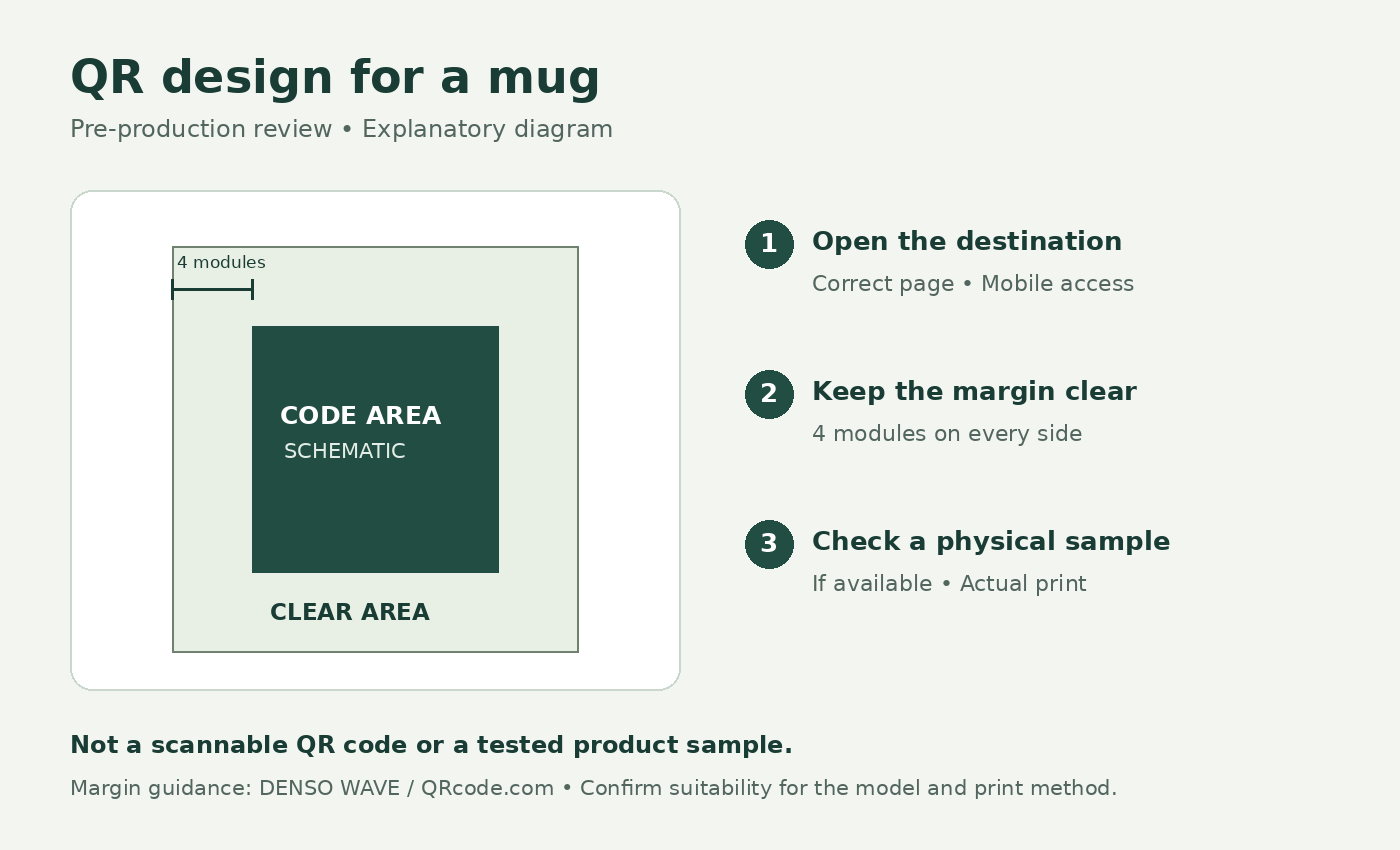
Evaluate the model and artwork together
When reviewing the mug and drinkware collection, describe how the recipient would hold the product and approach the code. Ask for the proposed position, surface and curvature to be assessed for the actual application.
Provide the model link, real QR file, destination address and preferred position. Ask whether the proposal can be evaluated for that product and printing method. The artwork preparation guide covers file handoff; a suitable file format alone does not establish scan performance.
Separate visual approval from a scan check
A digital proof can help confirm placement and artwork version. Scanning that proof on a screen does not test the printed mug. Ask whether a physical printed sample is available and on what terms.
If you can inspect one, scan the actual product with different intended phones, ordinary lighting and the proposed handling position. Confirm that the correct page opens, not just that the camera recognises a code. These are practical purchasing checks, not a guarantee for every device or condition. They do not establish wash durability; request care information separately.
Confirm the final file and address
Record the model, QR file name, destination and placement together. If the artwork or code changes, ask whether a new assessment is needed.
Contact the team with your model, planned quantity, QR file and destination address to ask whether the proposal can be evaluated, and whether a sample is possible. Product-specific feasibility and any sample conditions remain to be confirmed.