
A white-background mock-up is a starting reference for a logo printed on glassware; it does not fully describe its appearance in use. When assessing artwork on a transparent surface, consider whether the glass is empty or filled, the background and the viewing direction together. The aim here is not to prescribe a printing process but to define what is being assessed before quotation and artwork approval.
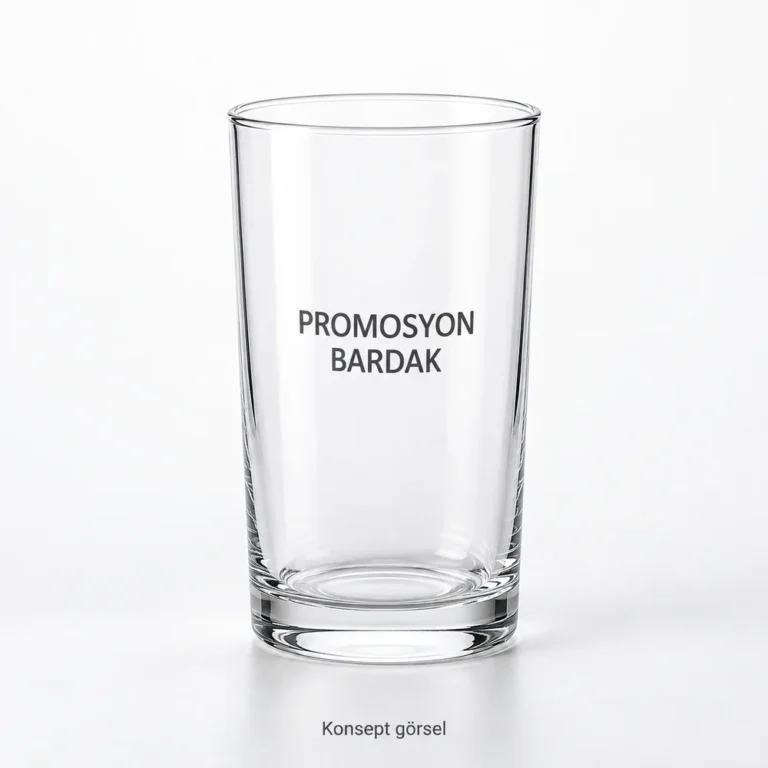
Specify the model and serving context together
Choose a product from the glassware collection and describe its intended setting, such as a meeting table, café service or corporate gift. Explain what the glass will contain and where it will be displayed. Do not infer capacity, material properties or printable area from a photograph; request confirmation for the selected model.
Use a checklist rather than one background
Assess the same artwork version in these situations:
- An empty glass against light and dark backgrounds.
- A filled glass with the intended serving contents.
- A front view and a side angle that may occur in use.
- The opposite side where printing on more than one face is requested.
Record what you can see in each case: is the brand name clear, is small text readable, and does artwork on the opposite face compete with the front design? Digital images can support comparison; separately ask whether a physical example using the selected model and artwork can be assessed. Do not treat a concept image as a production sample.
Keep colour changes within brand approval
You may wish to assess light, dark or single-colour versions of the logo. Check which versions your brand guidelines permit before requesting changes. Identify an approvable artwork file rather than simply asking the printer to “make it more visible”. Do not assume every colour, opacity or application option is feasible on every model. Ask the supplier to confirm feasibility and its effect on the quotation.
For file structure and version handoff, use the logo artwork preparation guide. The additional check here is the context in which that file will be assessed on a transparent surface.
Do not approve front and back from one image
If logos or text are requested on two faces, ask for separate views showing their positions and relative orientation. Assess how the opposite design appears when looking at one face. Obtain model-specific placement advice rather than applying a universal measurement.
The approval note should bring together the model link, file version, requested faces, assessed background and serving context, and unresolved questions. Digital placement approval is not the same as physical sample approval. If colour or readability is critical, agree which reference will govern the assessment before ordering.
Appearance approval is not care or durability approval
A visible logo is not evidence of washing performance, food-contact suitability or compatibility with a particular use. Separately request the necessary care information and any relevant verification documents for the selected product and printing application. This guide provides no certification or test result.
Request a printing assessment and quotation for your glassware model. Share the model, artwork, planned quantity and setting, and ask what can be assessed digitally and what requires a physical example. Use the quotation scope checklist for the remaining order details.